
Nano Banana Watermark Remover
You did the creative work. The corner mark came from the generator. WatermarkRemover clears it with one drop — locally, instantly, free — so the post is all yours.
Open the toolClean your images
Drag on the image to cover the watermark — your box applies to every loaded image. Works for marks in any position, not just corners.
Drag to add an area — add as many as you need, every box applies to all loaded images. Tap an existing box to remove it.
Same mark, same one-tap fix
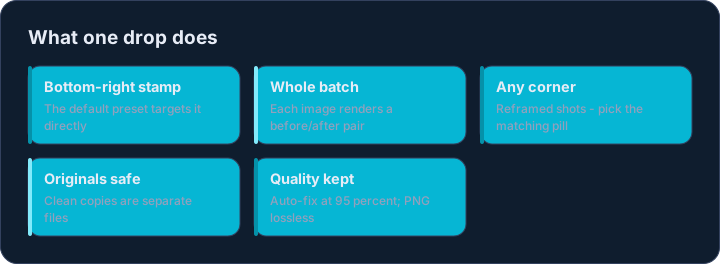
The Nano Banana stamp sits bottom-right like its siblings. The default preset targets exactly that spot: drop the image, wait a beat, download the clean copy.
Working with a batch of generations? Drop them all — each renders a before/after pair, and Download all saves every cleaned file in one go.
When the mark sits somewhere else
Cropped or reframed images can push the stamp to any corner. Pick the matching position pill and a size, and the tool re-processes instantly — no re-upload needed.
Why the corner mark exists
The stamp signals that an image was made with AI, which helps viewers and platforms label synthetic media honestly. Cleaning it from your own generation is about presentation — portfolios, mood boards, client decks — not about hiding how the image was made.
Keep the unmarked originals when a project requires disclosure: the -clean copies WatermarkRemover produces are additive, so reverting is always one delete away.
Is there a size limit?
Images up to roughly 6000px on the long edge process smoothly in a desktop browser; very large files may take a few seconds.
Does quality drop?
Auto-fix keeps quality at 95% (PNG stays lossless). The marked area is cleaned; the rest of the image is pixel-identical.